
Get a counted thumbs down back
YouTube removed the public dislike count and left only Like as a visible signal. Web Reactions adds an independent counted layer where a thumbs down is one emoji among the full palette.
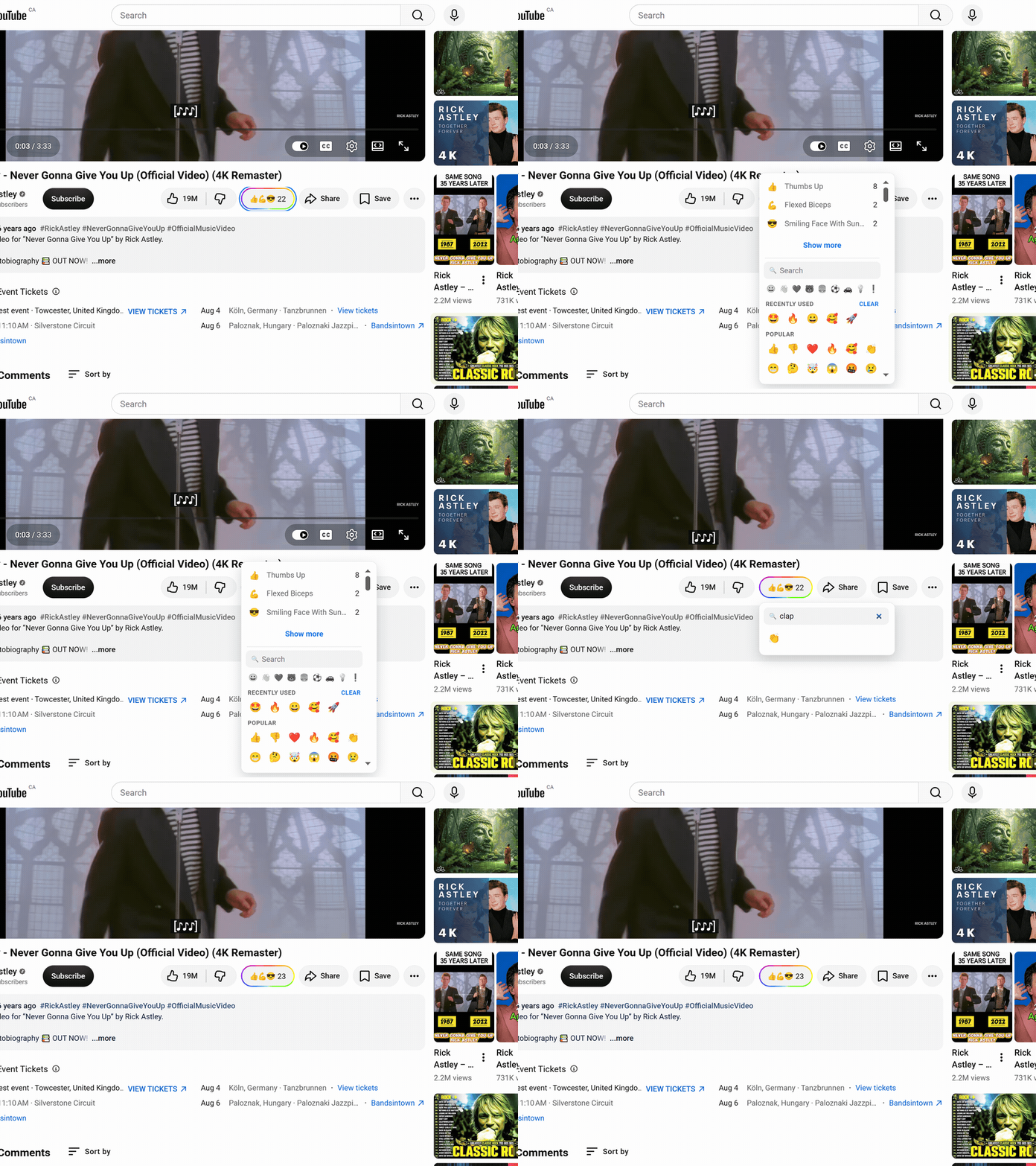
YouTube removed the public dislike count and left only Like as a visible signal. Web Reactions adds an independent counted layer where a thumbs down is one emoji among the full palette.
A video can be funny, moving, wrong, or worrying, and the single Like flattens all of that. Pick the emoji that matches what you actually felt.
Web Reactions doesn't touch YouTube's Like. Keep it for the platform's own signal and add emoji when Like alone isn't enough.
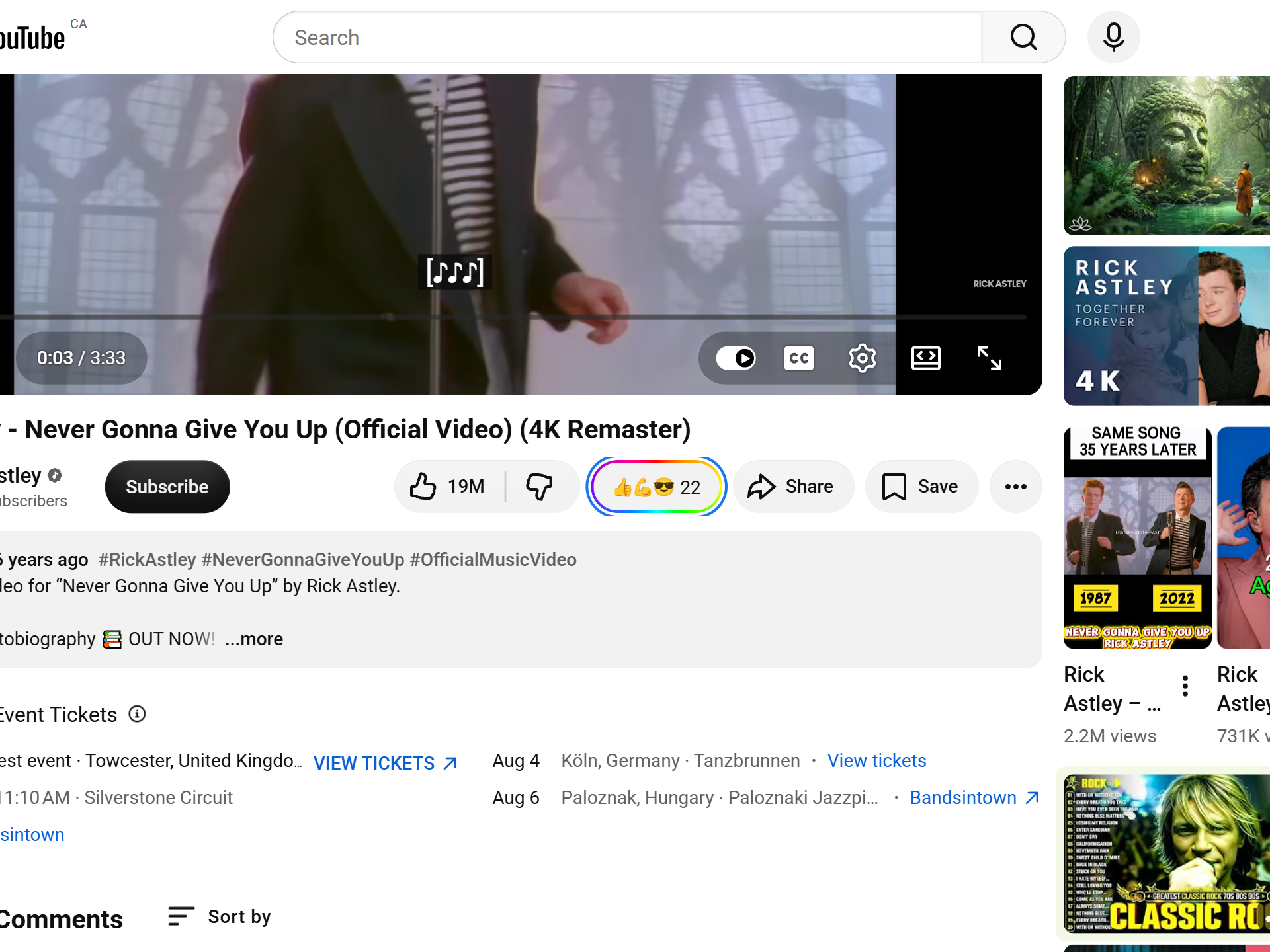
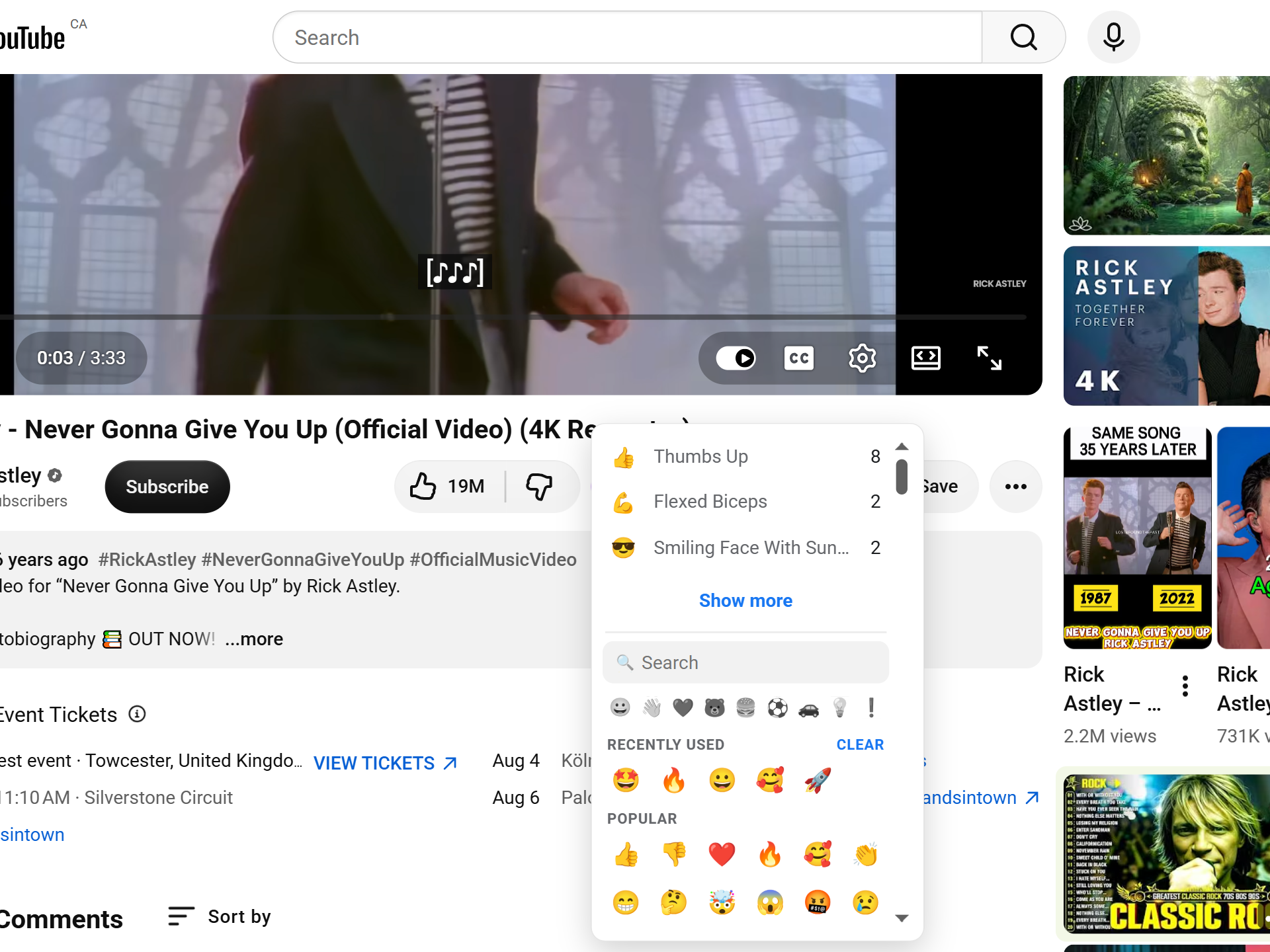
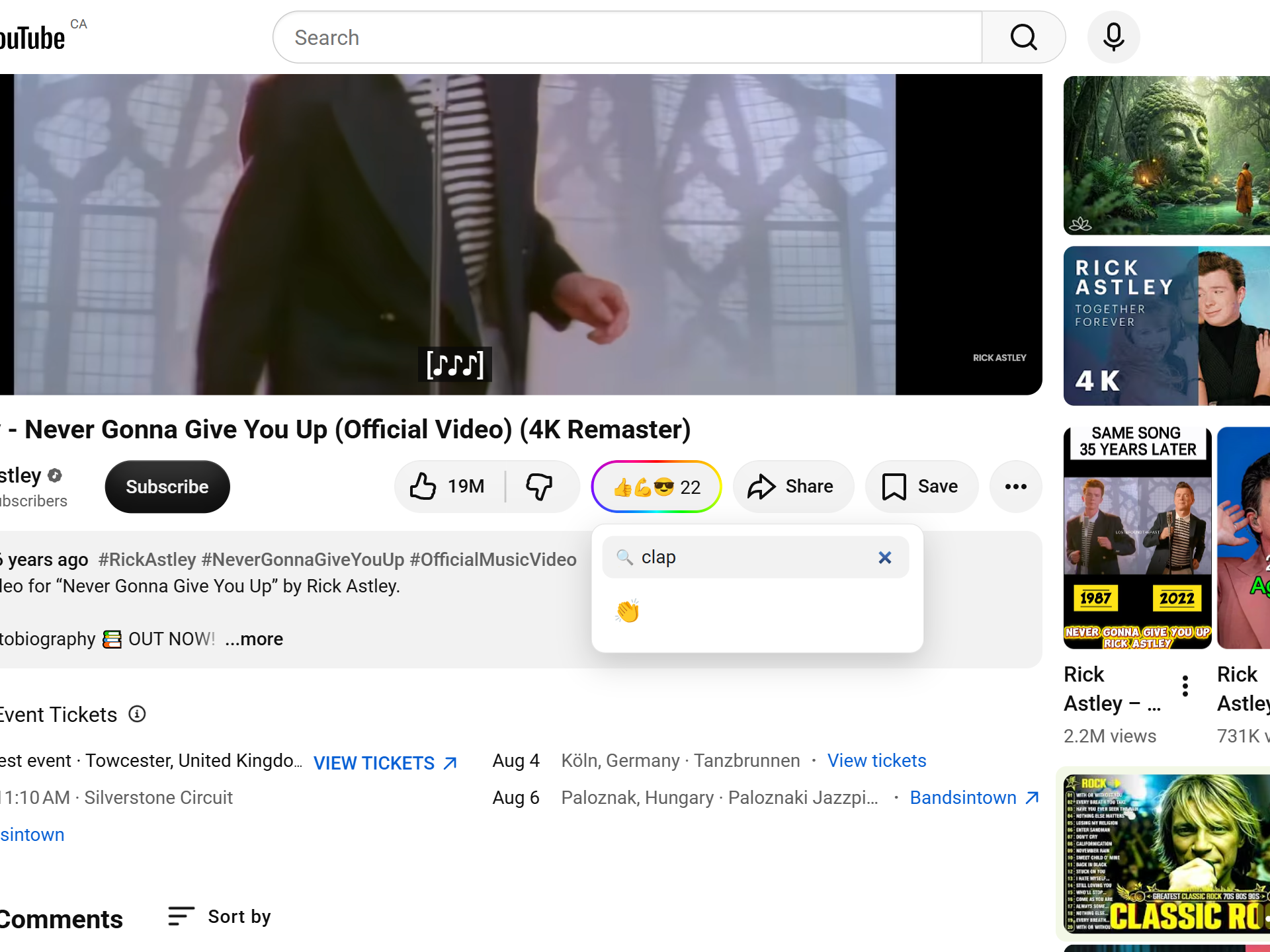
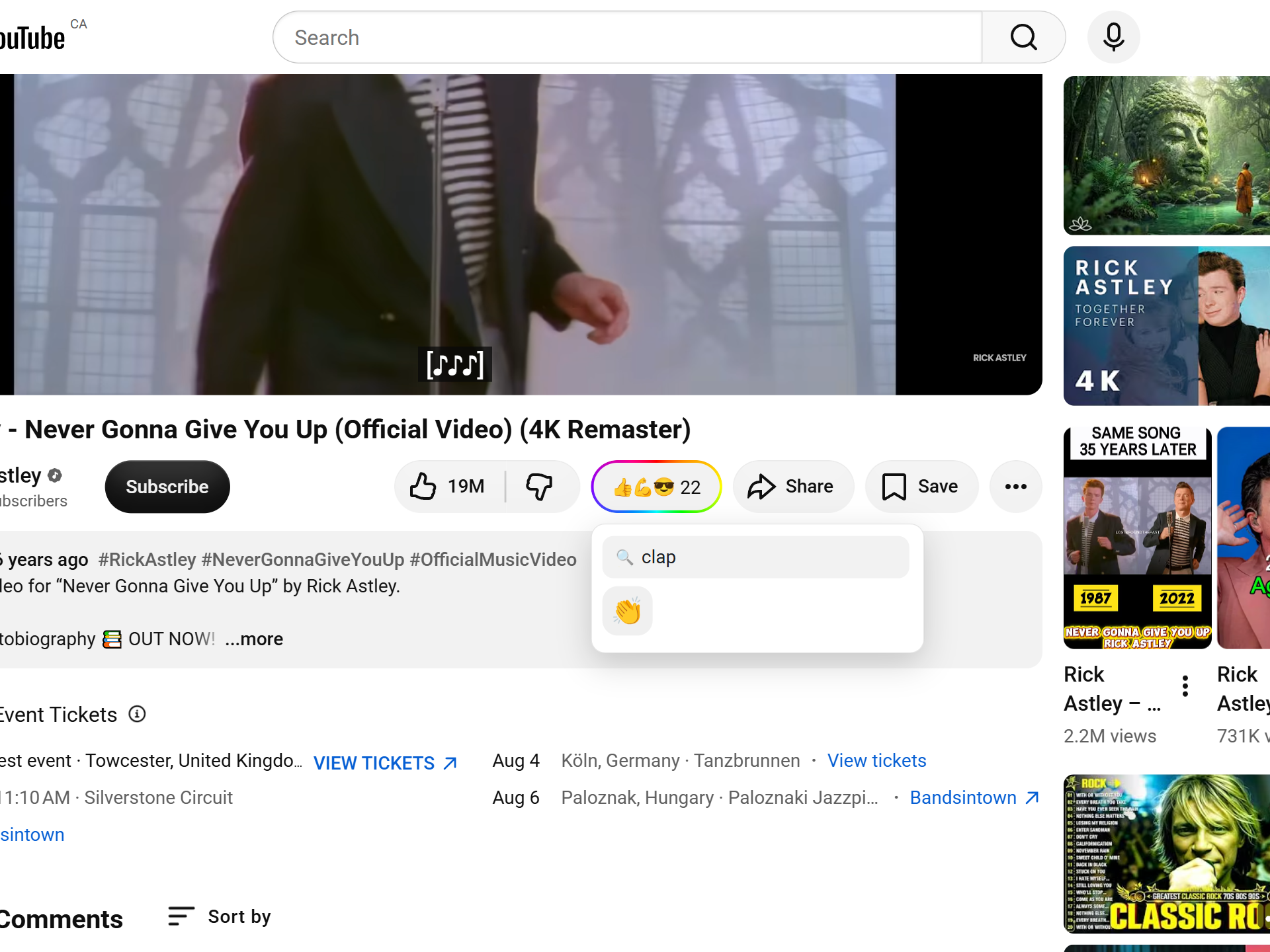
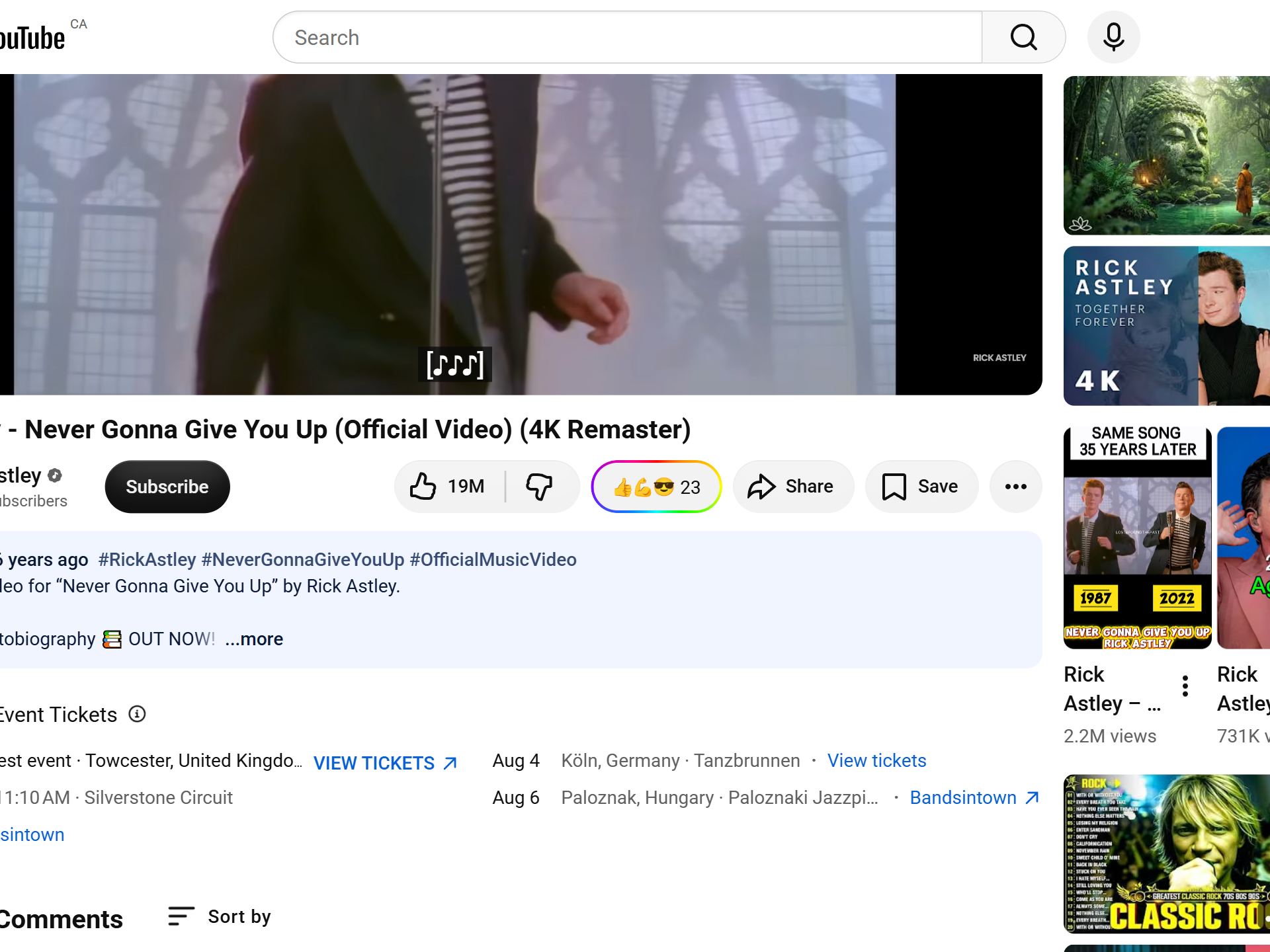
YouTube hid the public dislike total and left only Like as a visible signal. That makes it hard to tell whether a tutorial actually worked, whether a claim was disputed, or whether a video is quietly controversial. The gap is exactly where a richer reaction layer helps.
Web Reactions adds an independent, counted layer. It does not read or restore YouTube's own hidden number; it counts the emoji people pick in the extension, and a thumbs down is one of them.
The YouTube adapter targets a video's canonical watch URL. A Short converges to that same watch target, so a reaction belongs to the video itself, not to a playlist position, an autoplay index, or a recommendation slot. Open the same video later and the same Web Reactions count is there.
Web Reactions sits near YouTube's like and share controls. The trigger opens a searchable palette with reactions across smileys, gestures, hearts, symbols, objects, and more, and a thumbs down is simply one option in that grid. Search works across the supported emoji labels, so you don't have to scroll to find it.
The reaction total comes from Web Reactions, not from YouTube. Anyone can read counts without signing in, while submitting one takes a one-time email verification, and the counting model is documented on the counts page. For how this differs from browser tools that try to estimate YouTube's own removed number, see the detailed comparison.
Shorts use the same reaction model as standard videos because they resolve to the same canonical watch target. The picker is added to the Shorts action rail as well as the regular player, so the same emoji vocabulary carries across both without changing how counts work.
The reaction layer is independent of YouTube: it never presses Like, and it doesn't read or restore YouTube's own hidden dislike number, so your reaction is never fed back as a YouTube signal. It's keyed to the video's canonical watch URL, which a Short resolves to as well, and stored by Web Reactions, not your Google account. Reading counts needs no login, leaving one takes a single email verification, and only the aggregate is public.
Read the full privacy policy.
Install Web Reactions, open a YouTube video or Short, and use emoji, including a counted thumbs down, when Like alone isn't enough.
Not YouTube's own number. It adds an independent counted emoji layer where a thumbs down is one option among the full palette, and that count comes from Web Reactions rather than from YouTube's hidden dislike total.
Yes. Shorts converge to the same canonical watch target as the standard video, so a reaction on a Short attaches to that video and shares its count.
Yes. The picker sits beside the Like button on both videos and Shorts and opens a searchable palette of hundreds of emoji. A reaction attaches to the video's canonical watch URL, so the count stays with the video wherever it is opened.
The same emoji reaction layer — one account, across every supported site.