
Show how a project actually feels
A Star marks interest, but it can't say reliable, risky, impressive, confusing, or worth watching. Pick the emoji that fits instead of compressing all of it into one button.
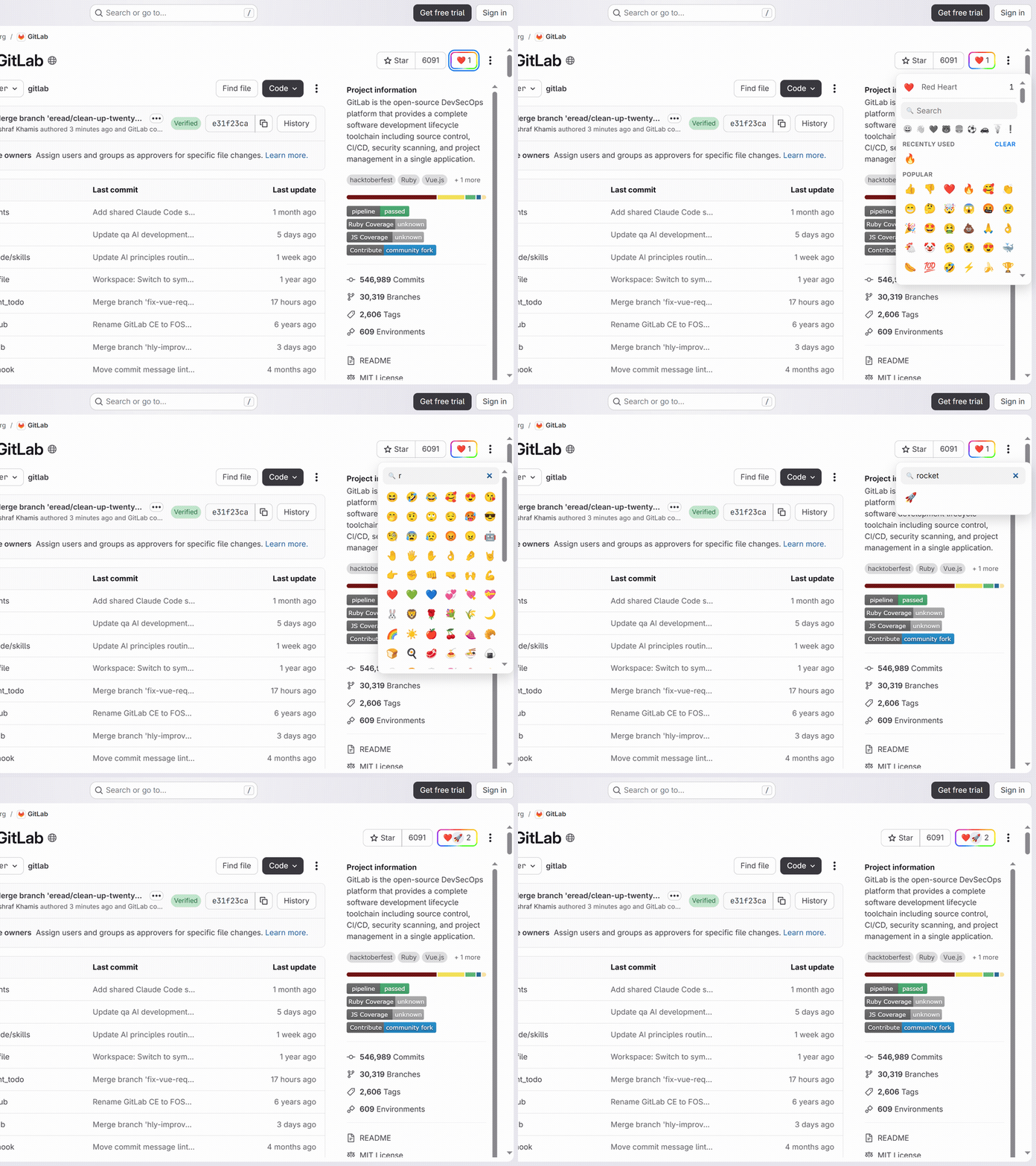
A Star marks interest, but it can't say reliable, risky, impressive, confusing, or worth watching. Pick the emoji that fits instead of compressing all of it into one button.
GitLab is where teams evaluate operational code — CI templates, deployment examples, libraries. A reaction strip gives fast context before you read pipelines or merge request history.
Web Reactions doesn't touch GitLab's Star. Keep starring projects for your own lists and add emoji when the reaction needs more texture.
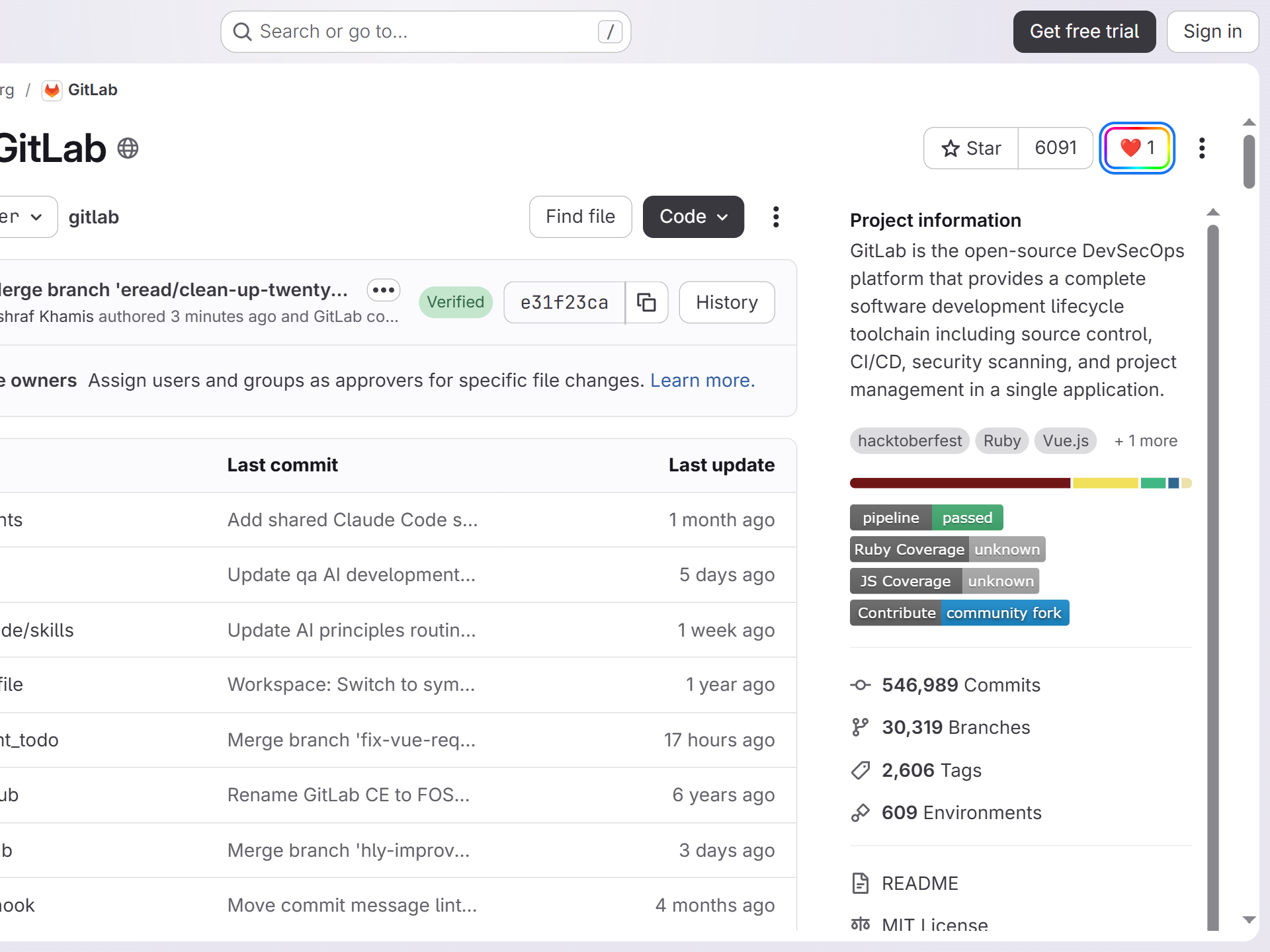
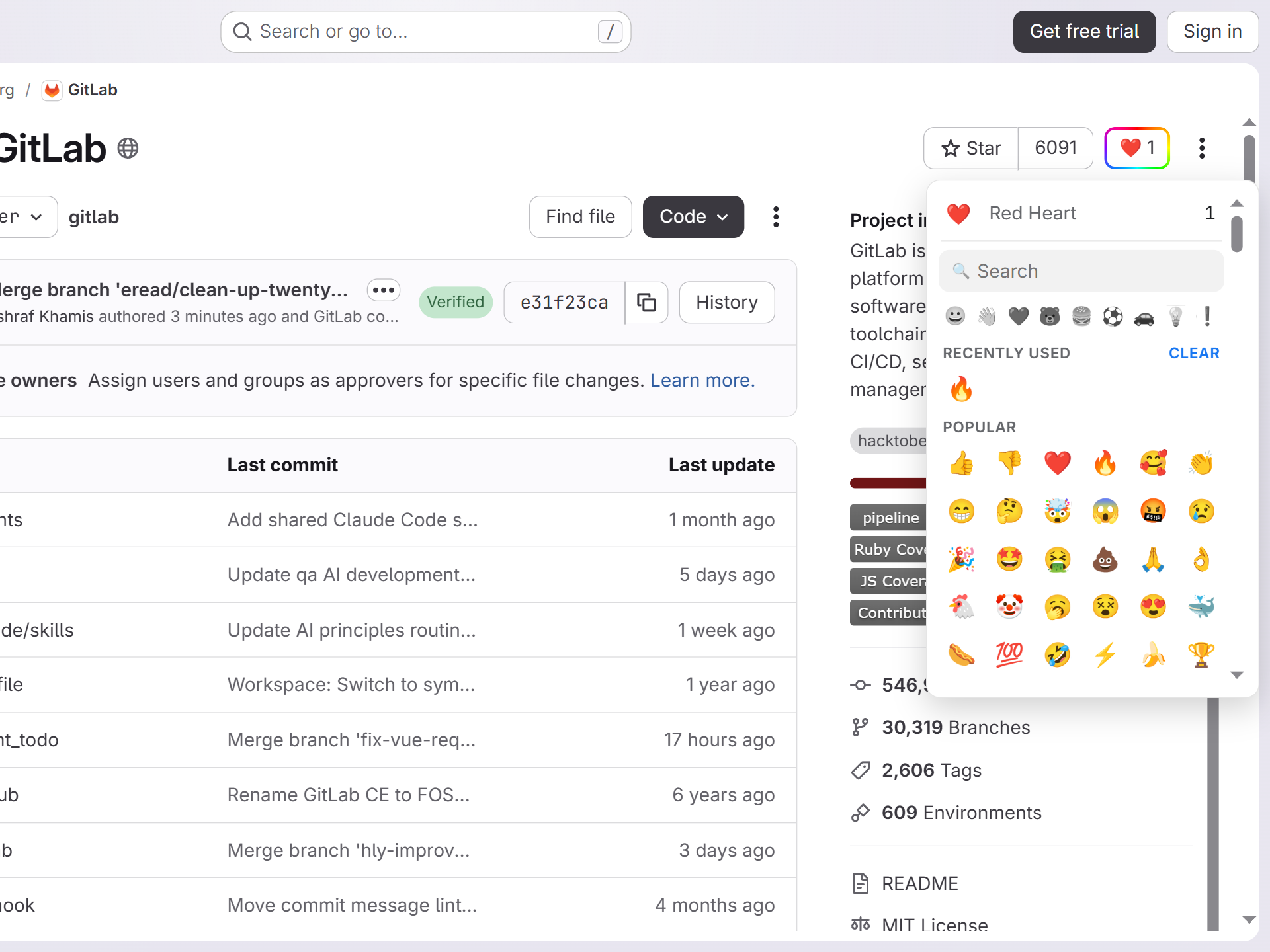
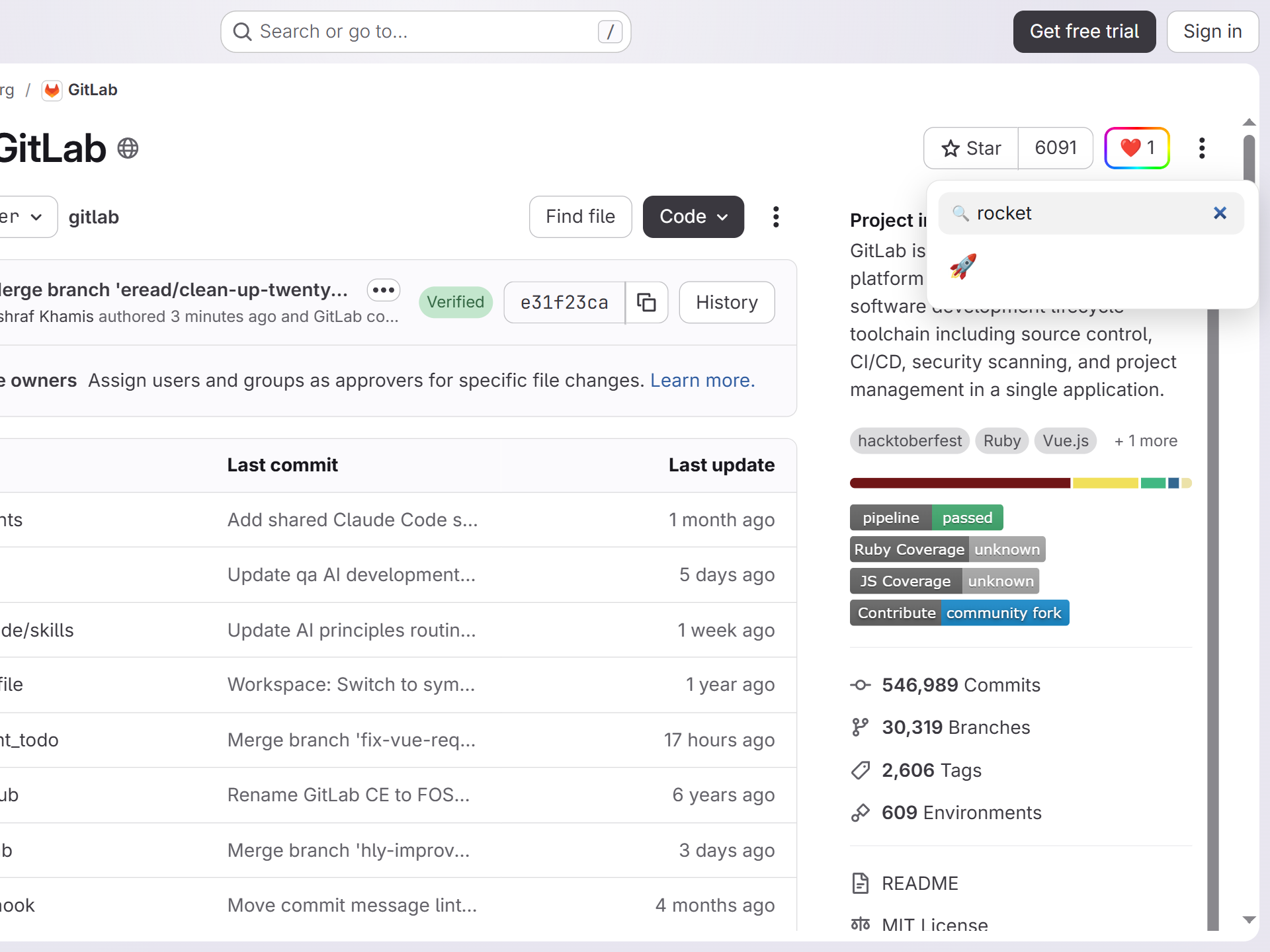
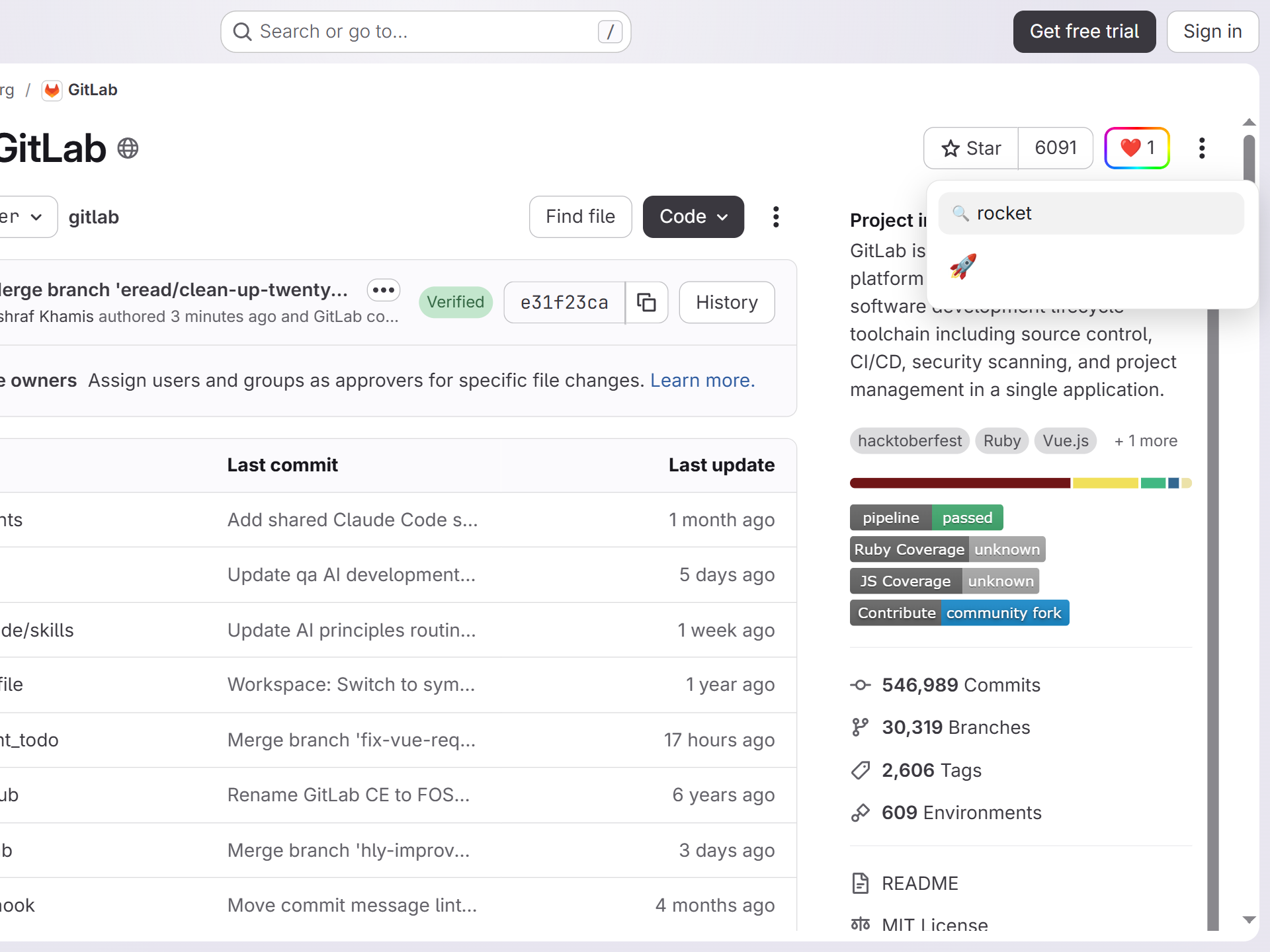
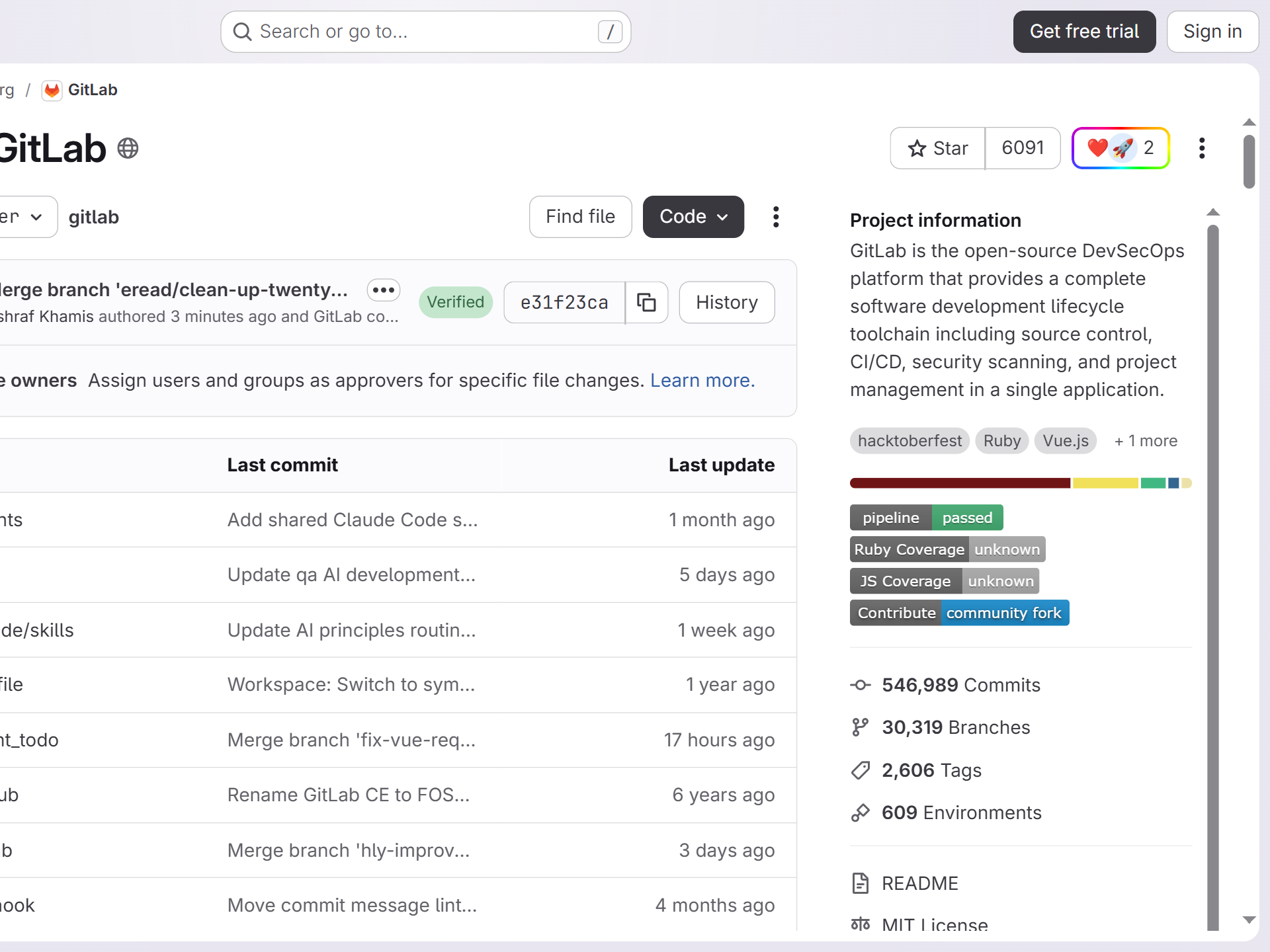
A Star is a simple way to mark a public GitLab project as interesting. That is useful, but it compresses too much into one action. A project might be production-ready, experimental, abandoned-but-important, impressive, hard to trust, surprisingly good, or simply relevant to a team evaluating tools.
Web Reactions adds a separate public signal for that nuance. Visitors can leave a quick emoji reaction without turning the project page into a comment thread or forcing every response through one Star button.
The GitLab adapter targets public project pages on gitlab.com. The reaction is attached to the project itself, not to a random branch view, search result, pipeline page, or issue thread. When another Web Reactions user opens the same public project, they see the same aggregate reaction layer near the project actions.
On supported GitLab project pages, Web Reactions places the picker in the project action row near controls like Star, Fork, and More actions. That keeps the signal in the part of the page where users already decide whether a project deserves attention, and the trigger opens the same searchable palette used across every supported site.
Anyone can read reaction counts without signing in to GitLab or Web Reactions. Leaving a reaction takes a one-time email verification, so the count is tied to verified Web Reactions accounts instead of disposable browser profiles. The public project page shows aggregate reaction counts, not a list of people behind them.
By default, Web Reactions leaves GitLab's Star control visible — you can Star a project and also leave an independent emoji reaction. If you prefer a cleaner local interface, the popup has a Replace original buttons setting that hides the native Star group in favor of the picker. That changes what you see in your browser; it does not remove GitLab Stars or change the project page for anyone else.
GitLab is often where teams evaluate operational code: CI templates, deployment examples, libraries, internal-tool foundations, and public infrastructure projects. A richer reaction layer gives quick context before someone spends time reading pipelines, issues, or merge request history.
A heart, warning sign, thinking face, fire emoji, thumbs up, or thumbs down will never replace a proper technical review. It can, however, tell a visitor that other people had a strong enough impression to leave a signal on the project. Maintaining projects yourself? See what the layer gives maintainers.
A Web Reactions click does not Star the project in GitLab, subscribe you to GitLab notifications, open an issue, or affect GitLab's own project state. It is a separate reaction in the Web Reactions layer, following the counting model documented on the counts page — designed for fast sentiment rather than platform workflow.
The browser reaction is just one side of it. A maintainer can also drop a live reaction badge into the project README — one line, like a CI or coverage badge, showing the top three emoji and the running total. Every visitor sees it, extension installed or not.
Sitting at the top of the README, the badge does for readers what a Star does for stargazers — except it turns them into reactors, with emoji that actually say what they mean instead of one bookmark button.
Leaving a reaction doesn't sign you in to GitLab, Star the project, or subscribe you to its notifications — it's kept as a separate signal keyed to the public project path on gitlab.com. Reading the totals needs no account; submitting one needs a single email verification, and the public data is the aggregate alone, with no voter list. A project an anonymous visitor can't open is never eligible.
Read the full privacy policy.
Install Web Reactions, open a public project on gitlab.com, and use emoji when a Star is not specific enough.
No. The Star control stays exactly as it is. Web Reactions adds a separate emoji layer beside it, and the extension setting can hide supported native buttons locally if you prefer a cleaner interface.
No. Web Reactions is designed for public, addressable targets. Private projects that an anonymous visitor cannot open are not eligible for public reaction counts.
The current GitLab support focuses on public project pages only.
Yes. Embed a reaction badge in your project README — a live SVG of the top-three emoji and total. Use gitlab and your full project path in the one-line snippet; it renders for everyone and updates as people react.
The same emoji reaction layer — one account, across every supported site.