
Show why a repo matters
Use hearts, fire, thinking faces, warnings, or thumbs to separate practical use, excitement, concern, and curiosity from a plain Star.
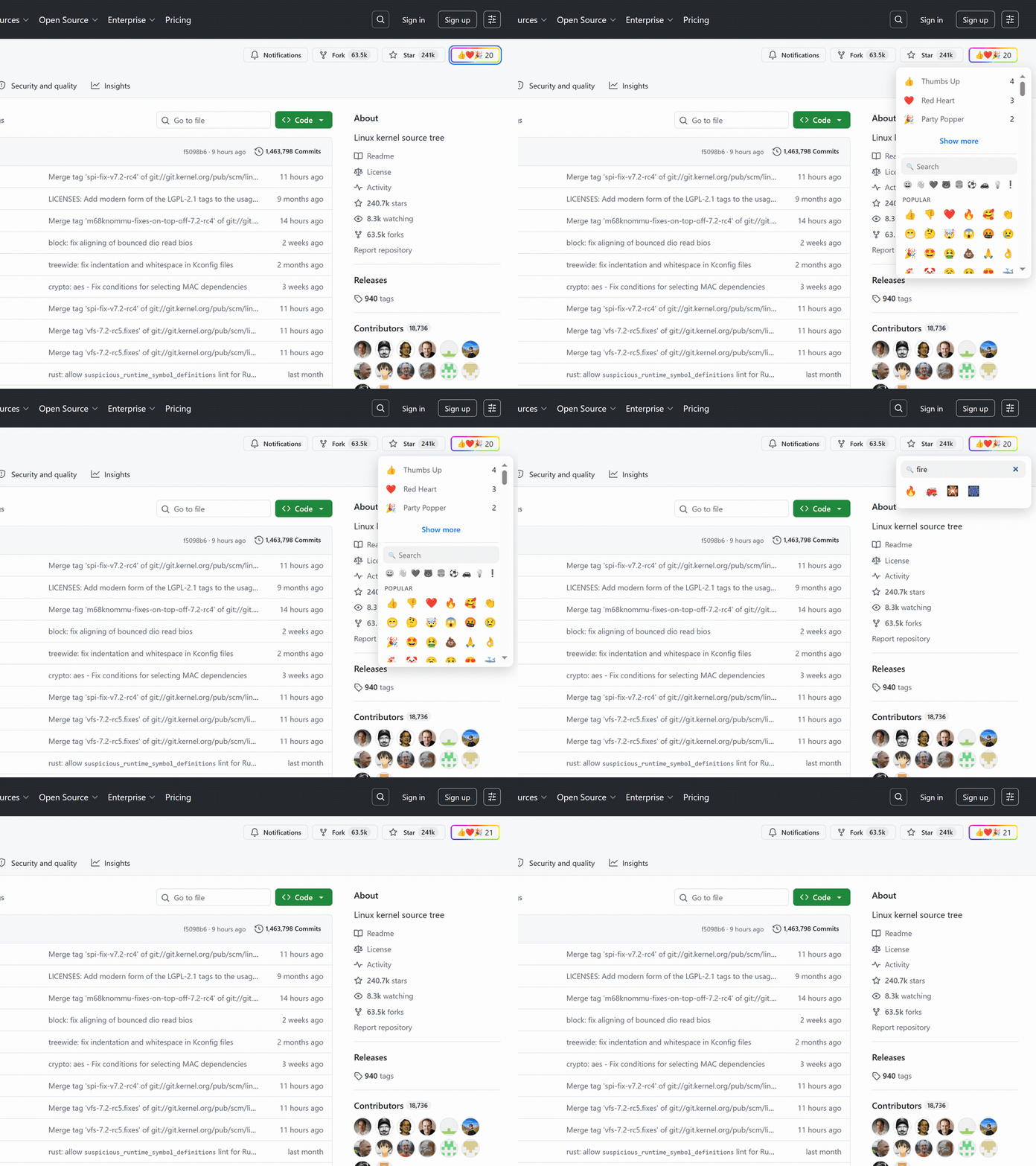
Use hearts, fire, thinking faces, warnings, or thumbs to separate practical use, excitement, concern, and curiosity from a plain Star.
A reaction strip gives visitors a fast signal before they open issues, discussions, or pull requests.
Web Reactions does not have to replace GitHub Stars. Use the native Star when it fits and emoji when the reaction needs more texture.
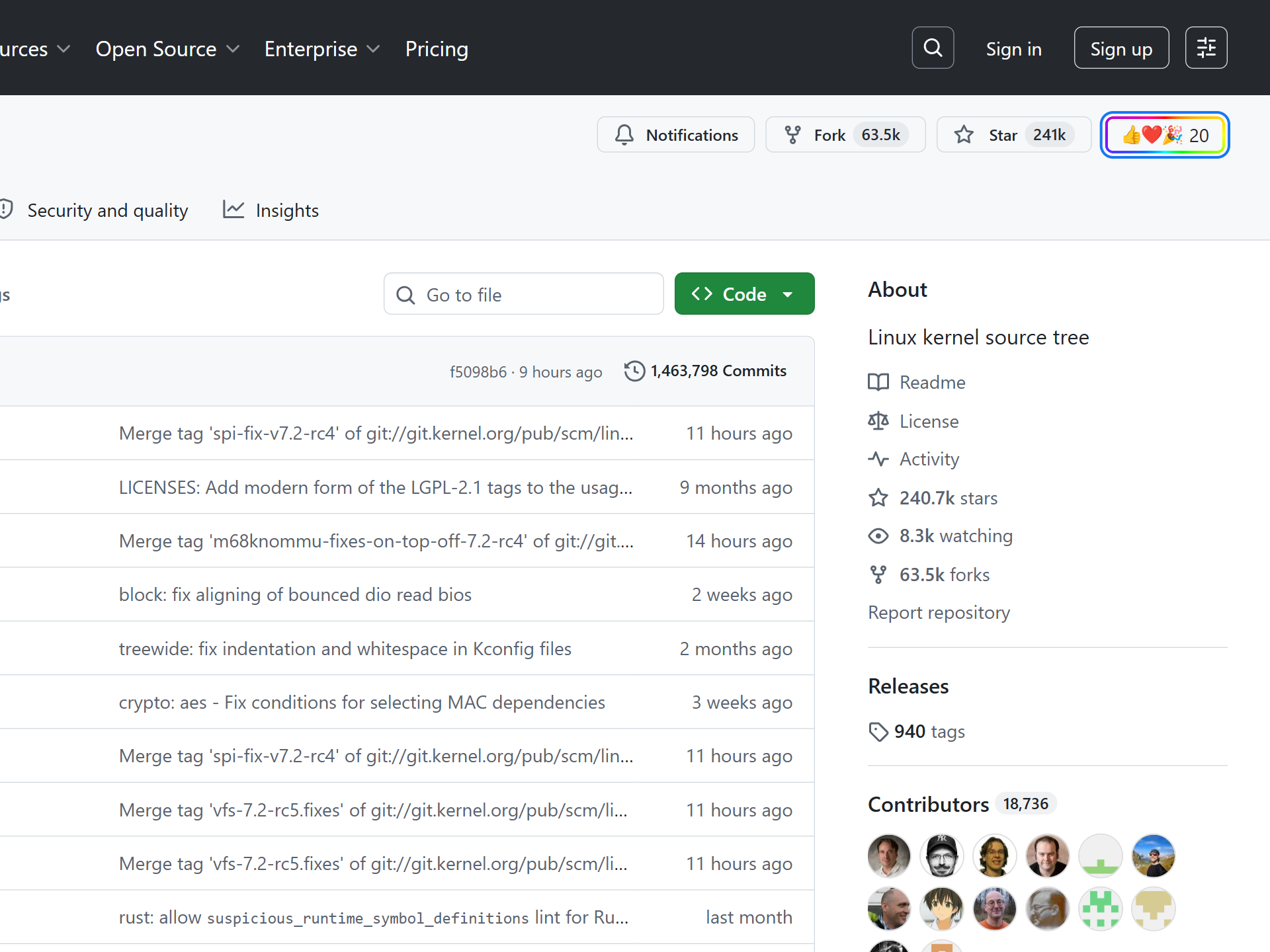
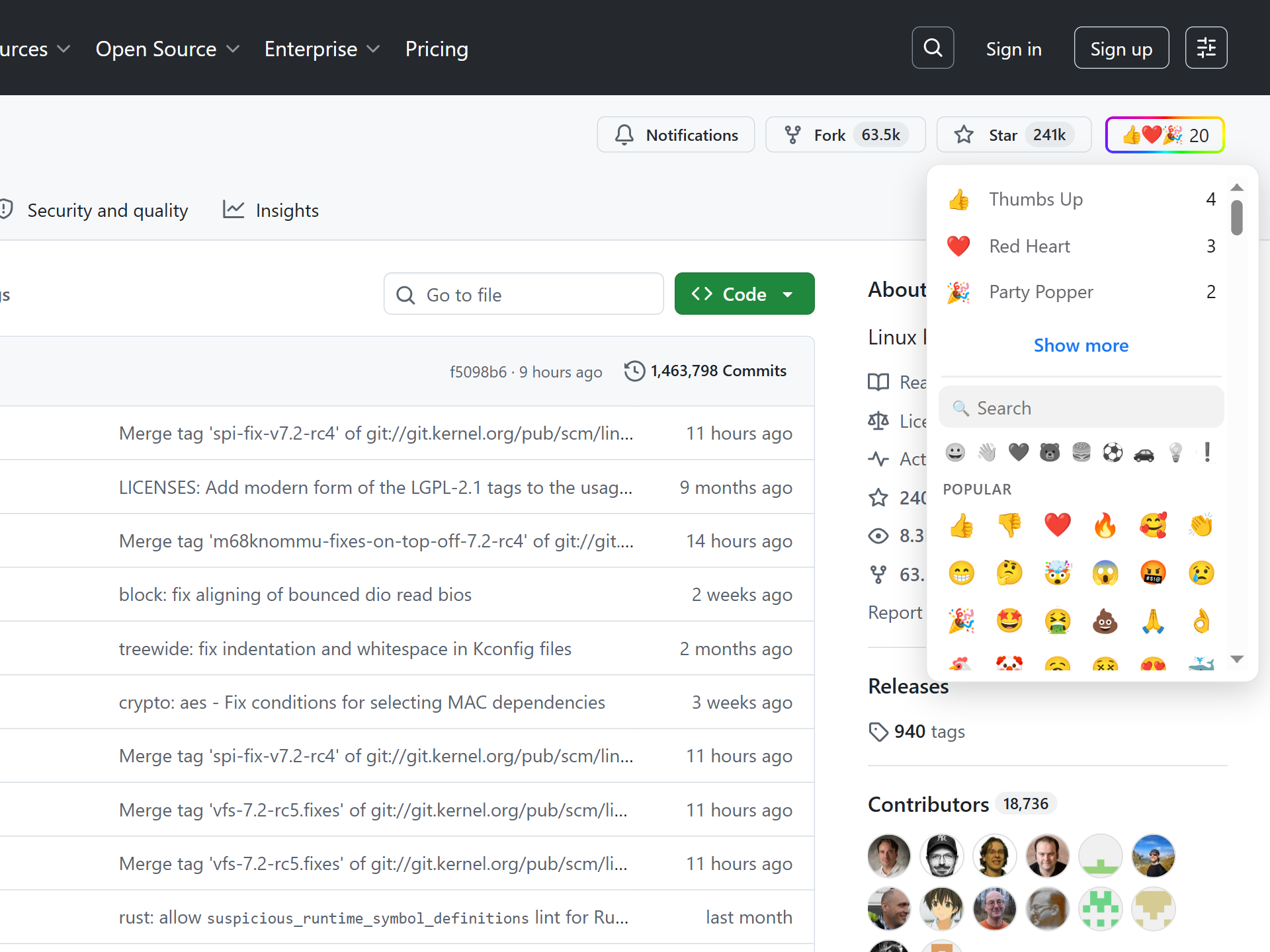
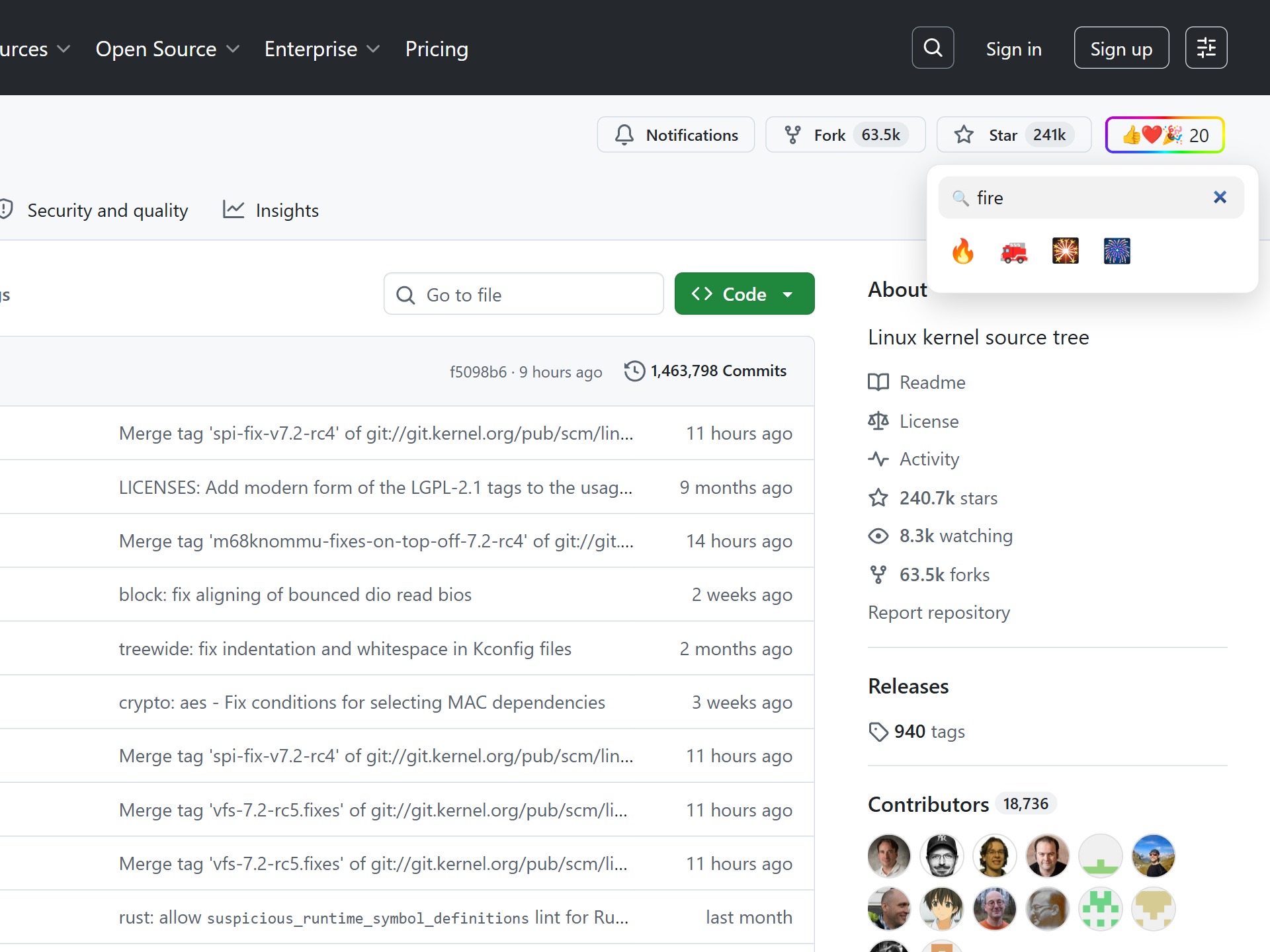
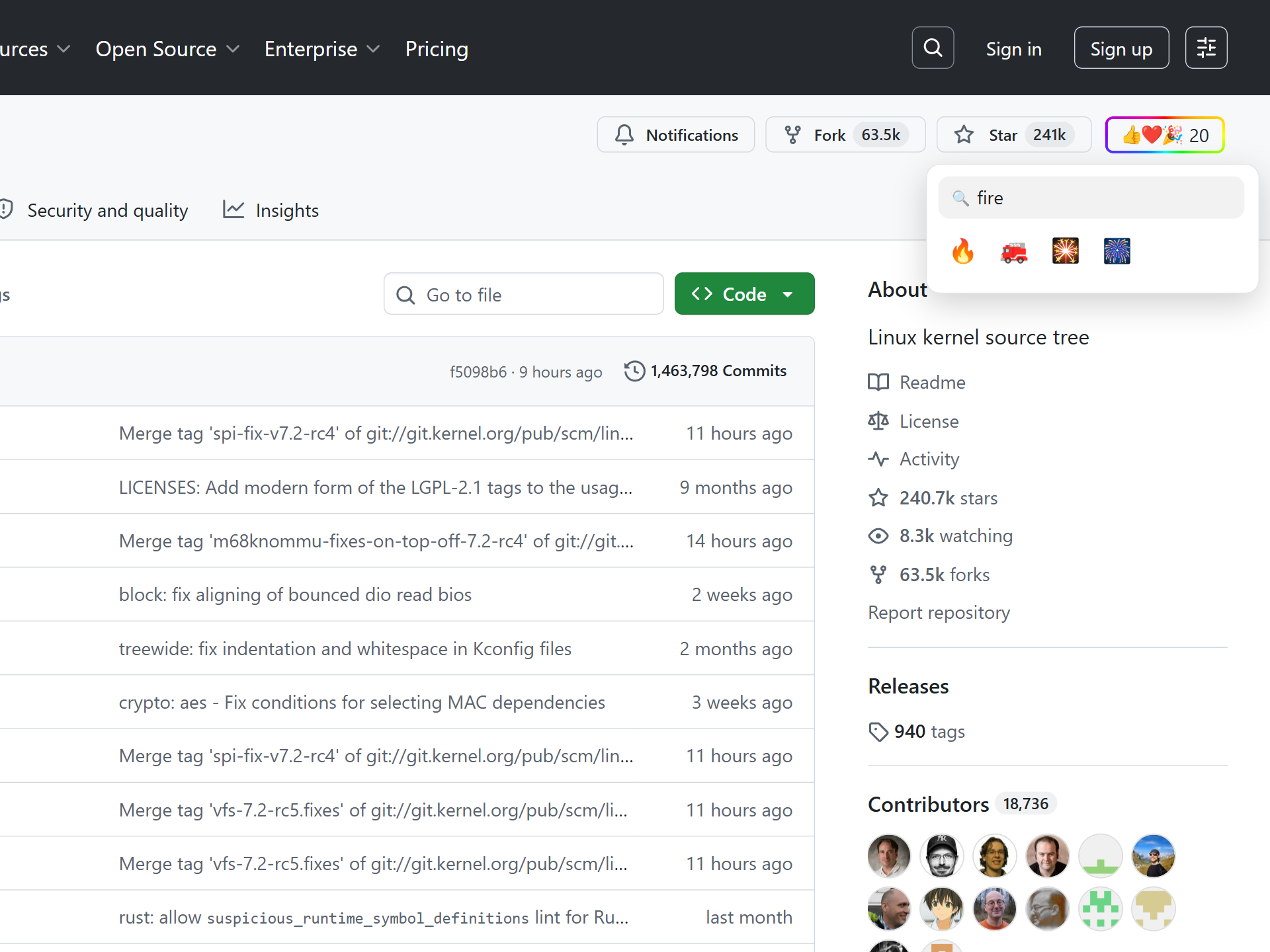
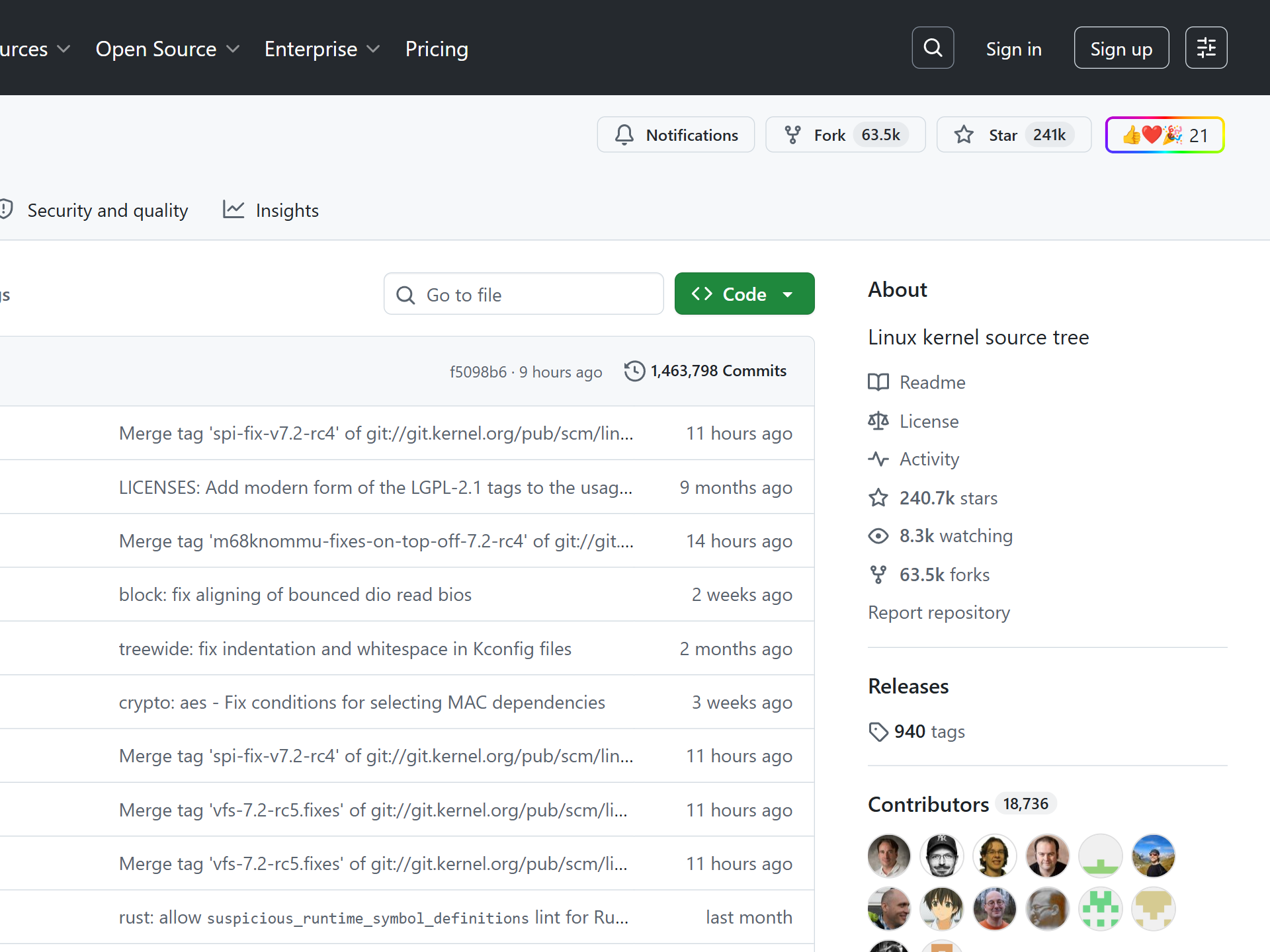
On GitHub, Stars are a familiar signal. They help people bookmark projects, show public interest, and compare repository popularity. The problem is that a Star has to carry every possible meaning at once: "I use this", "I want to read this later", "this is clever", "this worries me", "this is funny", or "this deserves attention".
Web Reactions keeps Stars intact and adds a second signal. Instead of asking every visitor to compress their reaction into one star-shaped bucket, it lets them choose from the same searchable emoji palette used across supported sites.
The GitHub adapter targets public repository home pages today. A reaction belongs to the canonical owner/repo target, not to a random comment, tab, search result, or private page. If someone opens the same public repository later, they see the same Web Reactions count beside the repository actions.
Web Reactions sits near GitHub's Star control where the repository action row already lives. The trigger opens a searchable palette with reactions across smileys, gestures, hearts, symbols, objects, and more. Search also works across the extension's supported emoji labels, so users do not need to scroll through the whole grid when they already know what they mean.
Anyone can read reaction counts without signing in to Web Reactions. Leaving a reaction takes a one-time email verification, so the count is tied to verified Web Reactions accounts instead of disposable browser profiles. The public page shows aggregates, not a list of people who reacted.
By default, Web Reactions does not hide GitHub's own Star button. You can use both. If you prefer a cleaner local interface, the popup has a Replace original buttons setting that hides supported native controls in favor of the picker. That changes what you see in your browser; it does not rewrite GitHub or remove Stars for anyone else.
GitHub already has emoji reactions, but only inside conversations. On an issue, a pull request, a discussion, or any comment, the smiley button adds one of eight reactions — 👍 👎 😄 🎉 😕 ❤️ 🚀 👀. They are public to that thread and work well for signalling agreement on a specific comment.
What GitHub has never had is a reaction on the repository itself. The only repo-level signal is the Star, and a Star is a bookmark, not a feeling — so "how do I react to a repo?" has no native answer beyond starring it.
Web Reactions adds the missing layer: a searchable emoji palette beside the repository action row. It does not touch GitHub's in-thread reactions or its Star — it is the repo-level reaction GitHub leaves out, kept as a public count.
Repository popularity is not one-dimensional. A project can have many Stars because it is trusted, controversial, newly launched, entertaining, or simply mentioned in the right place. Emoji reactions give people a faster way to separate enthusiasm from doubt, appreciation from surprise, and practical use from curiosity.
That does not replace issues, pull requests, discussions, or long reviews of a codebase. It adds a quick public layer for the moment when a full comment is too much and a Star is too vague.
The extension itself is public on GitHub, and the counting model is documented on the counts page. If reaction counts matter, the path from click to public aggregate should be easier to inspect than a private platform number.
Reacting in the browser is only half of it. A maintainer can embed a live reaction badge in the README — the repo's top-three emoji and running total, added in one line like a CI or coverage badge. It renders for every visitor, whether or not they have the extension installed.
Because it sits at the top of the README, the badge turns a repo's own readers into the people who react — the same way a Star turns readers into stargazers, but with the emoji that say what they actually mean.
A Web Reactions reaction never touches your GitHub account: it doesn't Star, follow, or post, and it goes to Web Reactions rather than to GitHub. Reading the count needs no account, leaving one needs a single email verification, and only the aggregate is public, never a list of who reacted. Private repos have no public target to count.
Read the full privacy policy.
Install Web Reactions, open a public GitHub repository, and use emoji when a Star is not specific enough.
No. Stars remain available by default. Web Reactions adds a separate emoji layer, and the extension setting can hide supported native buttons locally if you prefer a cleaner interface.
No. Web Reactions is designed for public, addressable targets. Private repositories are not eligible for public reaction counts.
The current GitHub support focuses on public repository pages only.
Inside a conversation, on an issue, pull request, discussion, or comment, GitHub's own smiley button adds one of eight reactions (👍 👎 😄 🎉 😕 ❤️ 🚀 👀). At the repository level there is no native reaction beyond the Star, and that repo-level gap is what Web Reactions fills with a searchable emoji palette beside the repository actions.
Not natively. GitHub's emoji reactions live on comments, issues, and pull requests; a repository itself only has the Star. Web Reactions adds a public, repo-level emoji layer keyed to the owner/repo.
Yes. Embed a reaction badge, a live SVG of your repo's top-three emoji and total, in your README in one line, like a CI or coverage badge. It renders for everyone, and the count updates as people react.
The same emoji reaction layer — one account, across every supported site.